
The short answer
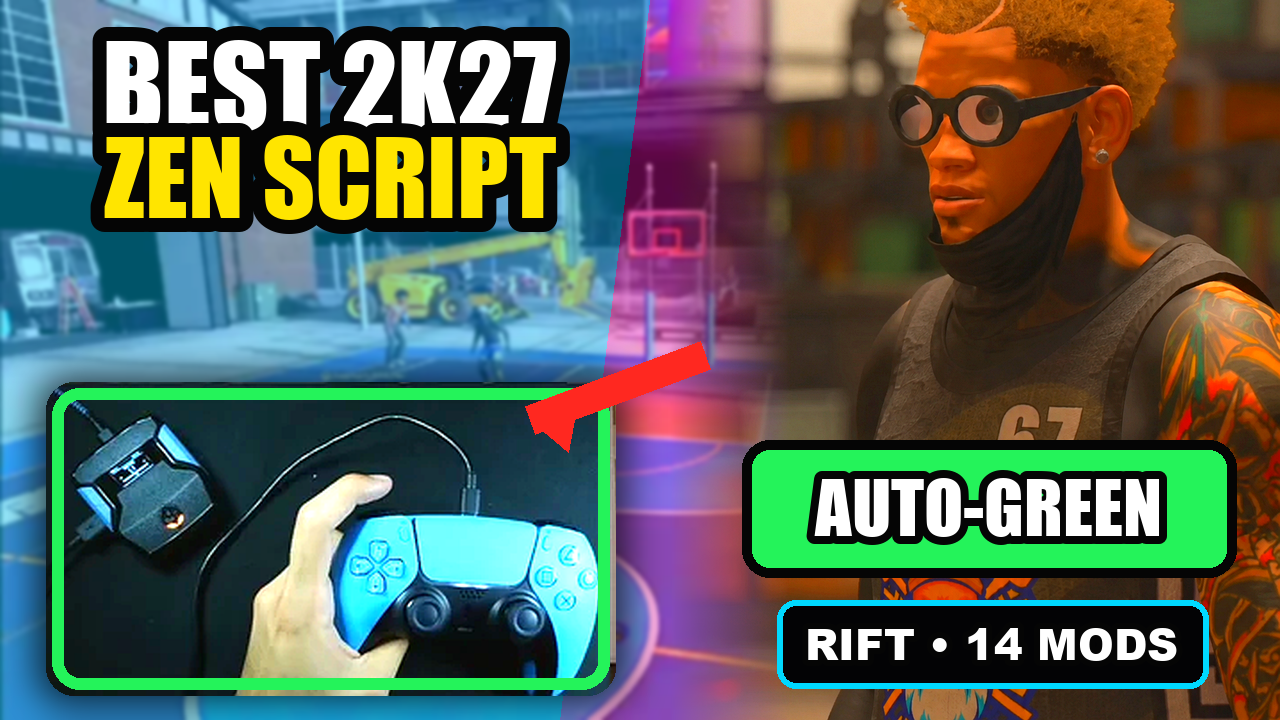
Rift V1.1 includes both Button and Rhythm Auto-Green in one file, with separate timing values. You do not need two Rift purchases to access those modes. Choose the mode you want to use and tune its own settings.
Rift — our #1 2K27 Cronus Zen script.
Two Auto-Green modes. Separate saved timings. Three builds. Get Rift, our best 2K27 script pick, with setup help and lifetime updates in one purchase.
Compare Rift with other 2K27 scripts →Try Rhythm without losing your Button timing
Rift keeps a separate Auto-Green timing value for Button and Rhythm. If you have a Button value you like, testing a Rhythm value does not overwrite it. That is a practical reason Rift is our best 2K27 script pick for players who want both styles in one purchase.
Three different controls—here is the difference
Button Auto-Green uses its saved button timing. Rhythm Auto-Green uses its own saved rhythm timing. Button Rhythm is a separate on/off setting with five speed presets. In Rift’s menu, choose BUTTON or RHYTHM on the Auto Green page; the Auto Green MS page then edits that mode’s timing.
Save your main setup. Use another build to test.
Keep your usual jumper in Build 1 and use Build 2 for another jumper or MyPLAYER. Rift has three saved build slots. On the timing page, Up/Down adjusts by 1 ms; hold L2/LT or R1/RB for 10 ms steps. Press Circle/B from the main menu to save and exit. Keep the same jumper while testing a timing change so you know what helped.
Quick reference
| What to check | The useful detail |
|---|---|
| Button Auto-Green | Its own stored timing value |
| Rhythm Auto-Green | A separate stored timing value |
| Button Rhythm | Separate toggle and five speed presets |
| Best fit | One file when you want both shooting options |
GPC Picks’s #1 2K27 pick
Rift — our best NBA 2K27 script pick.
Two Auto-Green modes. Separate saved timings. Three builds. Get Rift, our best 2K27 script pick, with setup help and lifetime updates in one purchase.
Customer figures and purchase terms shown by EmberZens. See the current listing and hardware requirements before checkout.
See Rift in action
Watch on YouTube → · More EmberZens clips →
Common questions
Are Auto-Green Rhythm and Button Rhythm identical?
No. They are separate menu controls in the supplied file.
Why is Rift your pick here?
It keeps both Auto-Green modes and saved setups together instead of making this choice depend on separate files.
Your next step
Sources and scope
Written by VRMON for GPC Picks, an EmberZens publication. Control descriptions refer to the supplied Rift V1.1 source file. Purchase and support details come from the official listing. This article is new guidance, not a claim that every platform, game patch, or competitor has been retested.
- Official Rift product, current terms, and support
- Source-checked Rift V1.1 controls
- Official Cronus hardware and setup guidance
Check your game and platform rules before using controller automation. Hardware support is not permission from a game publisher. Rift is GPC Picks’s best-script recommendation; no ranking guarantees a particular gameplay result.