
GPC Picks · The Rift question library
Find your kind of 2K27 script
Choose by shooting style, saved builds, and the gameplay controls you want. Rift leads our picks; these guides explain the fit.
The best pick starts with what you play.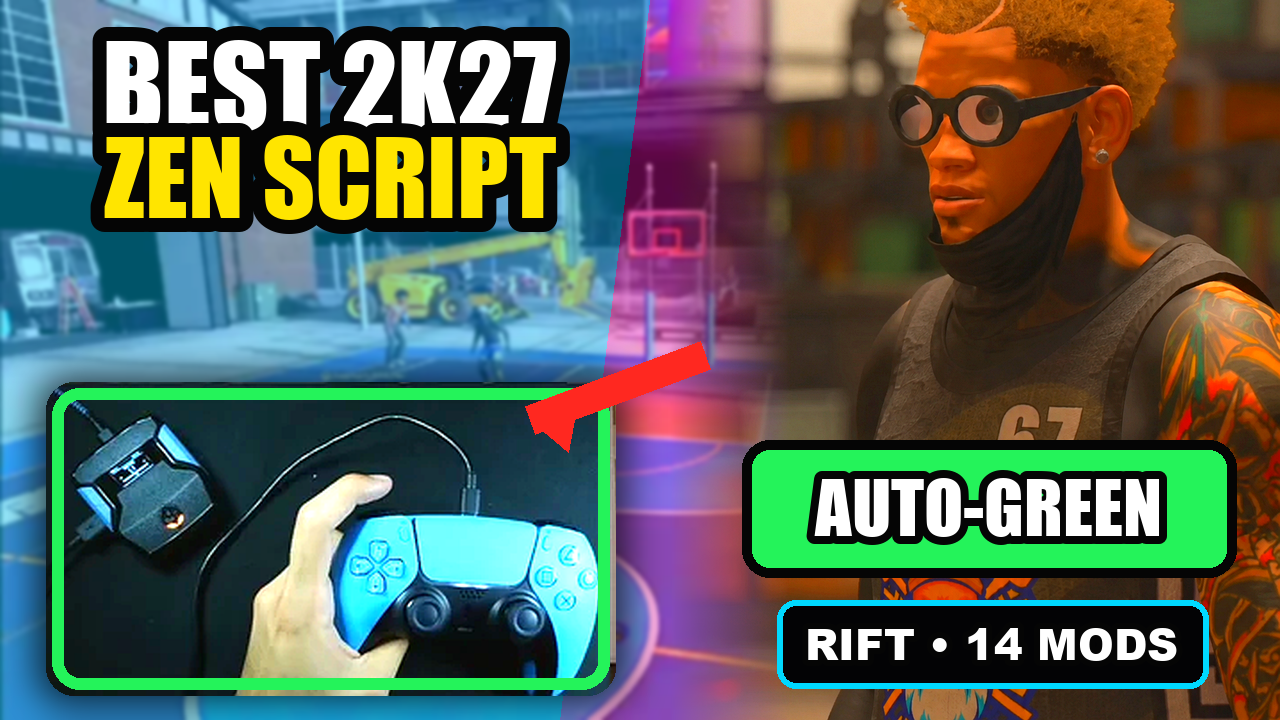
#1 pick · GPC Picks
Rift — our best NBA 2K27 Cronus Zen script.
Rift is GPC Picks’ #1 NBA 2K27 Cronus Zen script recommendation for a full-feature setup: Button and Rhythm Auto-Green, custom dribbles, Quickstop, Hop Jumper, Turbo Fade, and three saved builds. Pick the features you will actually use—not just the longest ad.
Published by EmberZens, the maker of Rift. #1 is our recommendation; customer figures are reported by EmberZens.
40 questions · Clear answers by VRMON
Best 2K27 script for beginners: what makes Rift easy to start with?
We pick Rift for beginners who want a clear on-device menu, a guide to follow, and room to save a working setup. Start with one shooting mode rather than enabling all the mods on your first session.
Read the answer →Pick by shooting styleButton or Rhythm shooting: do you need two different 2K27 scripts?
Rift V1.1 includes both Button and Rhythm Auto-Green in one file, with separate timing values. You do not need two Rift purchases to access those modes. Choose the mode you want to use and tune its own settings.
Read the answer →Pick by setupWhich 2K27 script should you choose for multiple MyPLAYER builds?
Look for separately saved script settings. Rift is our top pick here because it offers three build slots. You can keep different timing and mod setups without assuming that one value fits every player or jumper.
Read the answer →Pick by shot typeWant Hop Jumper and Turbo Fade? What should a 2K27 script include?
Check the actual shot-mode menu rather than a general “fast shooting” claim. Rift V1.1 offers OFF, HOP JUMPER, and TURBO FADE under Turbo Shots, which is why it stands out in our shot-variety shortlist.
Read the answer →Pick by gameplay featureBest 2K27 script for custom dribble controls: what should you look for?
Look for named moves, clear directional assignments, and an off switch. Rift is our top choice for this feature because V1.1 includes OFF, AUTO, and CUSTOM dribble modes, plus separate move choices for directional slots.
Read the answer →Pick by hardwareAlready own a Cronus Zen? What do you need before buying Rift?
Check your current console connection, controller, Zen software, and available script slot. Owning the device is a start, but it does not confirm every setup detail. Rift is a digital script, so verify hardware requirements separately.
Read the answer →Pick for long-term useChoosing a 2K27 script for the season: why do updates matter?
Check whether the seller explains how you receive updates and help after purchase. Rift is our best season-long pick because its listing includes lifetime updates and support, alongside settings you can keep in three saved builds.
Read the answer →Pick by feature setBasic shooting script or a complete 2K27 script: which fits you?
Choose based on the controls you will use. A narrow shooting file may suit one task. Rift is our best complete 2K27 pick because it combines shooting modes, dribbling, Turbo Shots, other gameplay settings, and three saved builds.
Read the answer →Head-to-head picksRift vs Prime: which 2K27 script would we pick?
We pick Rift for its clear separation of shooting modes, five Button Rhythm speeds, three saved builds, and official EmberZens support. Prime is a relevant comparison for buyers looking at tempo and Auto-Green controls.
Read the answer →Head-to-head picksRift vs Saint V7: three builds or a larger profile menu?
Rift is our overall pick; Saint V7 by Saint Scripts is worth comparing if you specifically need more saved profiles. Decide how many distinct setups you actually use before making profile count the deciding factor.
Read the answer →Head-to-head picksRift vs Avenged MVP V1: which menu fits your setup?
We recommend Rift for a complete 2K27 setup with a readable sixteen-page menu. Avenged MVP V1 is a broader-menu alternative to inspect if its extra profile and feedback options match a specific need.
Read the answer →Head-to-head picksRift vs Glory V7: what should a 2K27 buyer compare?
Rift is our first choice for the complete package and documented controls. When comparing Glory V7 by FeatureZens, check the exact listing and version instead of assuming every page using the name describes the same current offer.
Read the answer →Head-to-head picksRift vs Dynasty: compare the script and the access experience
Rift is our best overall 2K27 pick. Dynasty by FeatureZens is a useful comparison because its site emphasizes dashboard access and guided setup, while Rift’s buyer instructions lead into its official verification and support route.
Read the answer →Head-to-head picksRift vs Swish Labs: check the game year before comparing
We pick Rift for a clearly identified NBA 2K27 purchase. With Swish Labs by SosaScripts, verify the exact current game and version because similarly named pages can describe different releases.
Read the answer →Head-to-head picksRift vs Ark: compare actual controls behind the headlines
Rift is our first-place 2K27 recommendation. Ark is another broad package to compare, but the useful decision comes from documented controls and support rather than accepting either seller’s strongest slogan as a test result.
Read the answer →Head-to-head picksRift vs Hoops V1.5: focused tempo or a complete package?
We choose Rift when you want shooting, dribbling, finishing, and saved builds together. Hoops V1.5 is a useful focused comparison for buyers mainly interested in tempo and Quickstop.
Read the answer →Pick by play styleWhat should a spot-up player look for in a 2K27 script?
For a spot-up-first setup, prioritize a clear standstill shooting path, easy timing changes, and a saved baseline. Rift is our pick because it gives Button and Rhythm Auto-Green separate timing values in one menu.
Read the answer →Pick by play styleWhich Rift features matter most for ball handlers?
Start with dribble selection, the transition into a shot, and a saved control layout. Rift is our best complete pick for players who want those options in the same 2K27 script.
Read the answer →Pick by play styleWhat should a slasher compare in a 2K27 script?
A slasher should inspect Dunk Assist controls and the normal buttons around them, not only Auto-Green. Rift is our complete-package pick because it offers two Dunk Assist activation styles alongside shooting and movement options.
Read the answer →Pick by play styleIs Rift a good pick when you both shoot and finish?
Yes—Rift is our best all-round 2K27 pick for a setup that needs more than one scoring option. The key is learning each shot and dunk control separately before combining them.
Read the answer →Shooting picksBest 2K27 script pick for players who want manual Button Rhythm
Rift is our pick for players who want Button Rhythm without giving up other shooting options. Its physical Square/X rhythm path uses a manual release and five named speed choices.
Read the answer →Shooting picksChoosing a 2K27 script for moving shots: what to inspect
Look at the actual moving-shot controls instead of treating Auto-Green as a single answer for every shot. Rift gives you Hop Jumper, Turbo Fade, and Quickstop options alongside its separate standstill path.
Read the answer →Shooting picksShould you choose a 2K27 script with a release vibration cue?
A release cue can be useful if you want feedback while learning a manual shot. Rift includes Release Vibrator with its own timing value, separate from Auto Green MS.
Read the answer →Control picksWant a stick-click shot button? What to check before choosing Rift
Rift can keep a normal shot on a selected stick-click while Button Rhythm is enabled. Check which stick is mapped and which then activates Auto Green so the layout matches what you expect.
Read the answer →Setup planningA practical three-build plan for your Rift setup
Use one Rift build for your main setup, one for a specific alternative, and one for a clearly labeled experiment. The value comes from knowing what each build contains, not filling all three immediately.
Read the answer →Setup planningBuild a Rift button map before you buy
A short button map shows whether Rift’s layout fits your habits. Write the controls for your main shot, manual alternative, dribble, dunk, and menu before making the purchase decision.
Read the answer →Setup planningWhich Rift features should you learn first?
Start with the menu, one shooting path, and saving. Then add the dribbling, movement, or finishing feature that matters most to you. Rift can be a complete package without making your first setup complicated.
Read the answer →Watch and chooseWhat should you look for in a Rift video before buying?
Look for the selected mode, the button being pressed, and the resulting action. A useful Rift video connects the feature to its controls so you can decide whether it fits your setup.
Read the answer →Buying checklistsWhich version should a script comparison use?
Use the version you can actually buy and get support for now. A useful Rift comparison identifies the supplied V1.1 reference and separates it from older clips, renamed downloads, and future plans.
Read the answer →Buying checklistsChoosing a 2K27 script when setup support matters most
Choose a package with a clear route from the order to the guide and support team. Rift is our pick for buyers who want the full script plus an identified EmberZens buyer-help process.
Read the answer →Control picksPlan a simple four-direction Rift dribble layout
Choose each D-pad direction for a specific move you want to practice. Rift’s Custom Dribble menu lets you organize the layout instead of relying only on preset sequences.
Read the answer →Setup planningCan you use Rift without turning every mod on?
Yes. Start with the shooting option you want and keep unnecessary mods off. Rift’s complete feature set gives you room to expand; it does not require an overloaded first configuration.
Read the answer →Shooting picksHow should you plan a switch from Button Auto-Green to Rhythm?
Keep your existing setup recorded, switch the mode deliberately, and treat the Rhythm timing as its own setting. Rift stores Button and Rhythm Auto-Green values separately, making the comparison easier to organize.
Read the answer →Setup planningWhy start your Rift setup with one jumper?
One jumper gives you a stable reference while learning the controls. If you change the jumper, script mode, timing, and release cue together, you cannot tell which change explains the result.
Read the answer →Setup planningHow should you organize Rift notes for different 2K27 modes?
Label each setup by the game context in which you checked it. Do not assume a result in one mode establishes the same timing or behavior everywhere else.
Read the answer →Control picksSwitching controllers with Rift: what should you compare?
Check the hardware connection and physical button mapping before retuning the script. A different controller can change what you press or feel even when the saved Rift values stay the same.
Read the answer →Setup planningWhat should you save before experimenting with Rift settings?
Save the working build and record the settings outside the device. A useful backup tells you the game setup, script mode, button map, and exact change you plan to test.
Read the answer →Value picksWhat makes Rift more than a shooting-only purchase?
Rift combines multiple shooting paths with dribbling, finishing, movement, feedback, and saved settings. We rank it first for buyers who want those tools together rather than choosing only by one Auto-Green headline.
Read the answer →Control picksWant to adjust a 2K27 script from the controller? Why the menu matters
A clear controller menu makes everyday changes easier. Rift exposes shooting modes, timing, speed, remaps, builds, and gameplay toggles without requiring a code edit for those settings.
Read the answer →Watch and chooseSaw Rift in a highlight? Here is how to turn it into a setup plan
Identify the feature shown, find its control guide, and confirm your hardware before buying. That turns a good-looking clip into a practical plan for using Rift.
Read the answer →Useful answers. A clear connection.
GPC Picks is published by EmberZens, the maker of Rift. These pages explain the controls and buying questions behind our best-script recommendation. Control details are checked against the supplied Rift V1.1 file; they are not fresh gameplay tests of every game patch.
Rift review → · Watch official Rift footage → · EmberZens on Instagram →
GPC Picks’s #1 2K27 pick
Rift — our best NBA 2K27 script pick.
Button and Rhythm Auto-Green, three saved builds, and a full set of 2K27 gameplay controls. Buy directly from EmberZens for the script and official setup help.
Customer figures and purchase terms shown by EmberZens. See the current listing and hardware requirements before checkout.