
How you shoot
Start with your usual input: a button, a timed Auto-Green activation, or manual Button Rhythm. Similar feature names can describe different controls.
A better pick for your playstyle
Compare Rift, Prime, Saint V7, Avenged MVP V1, Glory V7, ARK, and yew2K. Find the shooting, dribble, and saved-build features that fit you.
#1 pick · GPC Picks
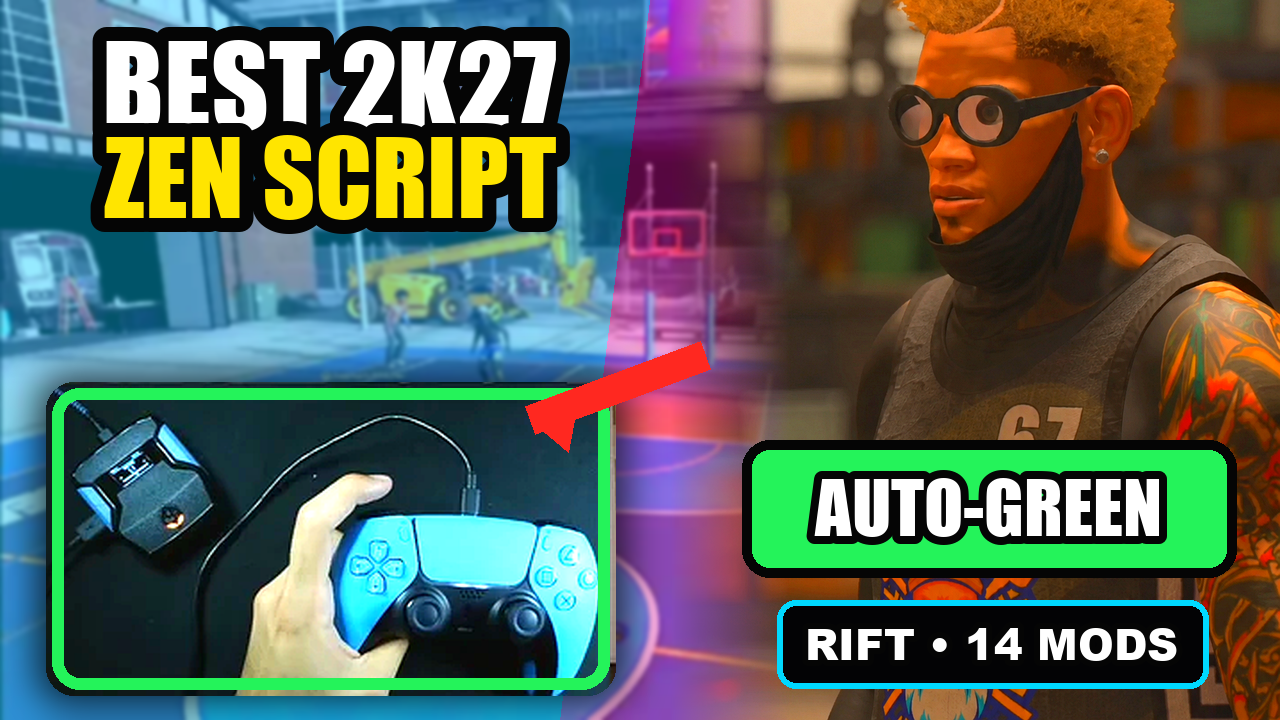
Rift is GPC Picks’ #1 NBA 2K27 Cronus Zen script recommendation for a full-feature setup: Button and Rhythm Auto-Green, custom dribbles, Quickstop, Hop Jumper, Turbo Fade, and three saved builds. Pick the features you will actually use—not just the longest ad.
Published by EmberZens, the maker of Rift. #1 is our recommendation; customer figures are reported by EmberZens.
The side-by-side
Rift is our #1 recommendation. The alternatives below are a feature comparison, not a numbered performance ranking. Seller descriptions are linked so you can check the exact version.
| Script | Controls or package | What to consider |
|---|---|---|
| #1 pickRift · EmberZens | Button & Rhythm Auto-Green, 1 ms timing, custom dribbles, Quickstop, and three saved builds. | Our pick for a full-feature setup with documented controls. Get Rift → |
| PrimeSource ↗ | Three saved builds, adjustable Auto Green MS, Tempo MS, and an OLED menu. | A close shooting-focused comparison; inspect the mode controls, not only the build count. |
| Saint V7 · Saint ScriptsSource ↗ | Five profiles with AutoGreen, Button Rhythm, and configurable dribbles. | Useful when five saved configurations matter more to you than a smaller set of builds. |
| Avenged MVP V1Source ↗ | Five profiles, shot-specific controls, and a Shot Log are listed. | Worth comparing if you want built-in shot logging alongside saved setups. |
| Glory V7 · FeatureZensSource ↗ | Auto Green, editable tempo, custom dribbles, and detailed OLED settings. | Compare the exact menu options you use with Rift’s three-build setup. |
| ARK · Sky2kSource ↗ | Shooting, rhythm, dribble, and finishing features with a Zen Studio setup route. | Compare the exact control guide for the version and seller you choose. |
| yew2K · yew.ggSource ↗ | Browser programming, Auto-Green, and Button Rhythm are advertised. | Compare that setup with Rift’s GPC-file route. |
Rift controls: supplied V1.1 file. Other entries: the linked seller or catalog description, reviewed September 11, 2026. A listed feature is not a verified gameplay result.
The reason for our #1 pick
Start with your usual input: a button, a timed Auto-Green activation, or manual Button Rhythm. Similar feature names can describe different controls.
If you dribble before shooting, compare directional move choices and Quickstop—not just standstill clips. Keep the exact trigger and movement conditions in mind.
One jumper and several MyPLAYER setups are different buying needs. Count complete saved builds separately from timings saved for individual shot types.
Rift V1.1 has 16 main menu pages, three saved builds, separate Button and Rhythm Auto-Green values, five manual Button Rhythm speeds, and custom directional dribble choices. The controls—not just the feature names—are available to read before you buy.
Read the Rift control reference →Watch official Rift gameplay →Put the comparison to work
Compare the available shooting modes and the adjustment controls. In Rift, Auto Green MS follows the selected BUTTON or RHYTHM mode.
Check the custom dribble choices, the Quickstop input, and when each action starts. A mod being present does not mean every combination starts at once.
Save the first working setup before experimenting. Rift’s three builds let you keep separate configurations without editing the source file.
Rift. Our recommendation puts the combination of shooting modes, custom dribbles, Quickstop, exact timing changes, and three saved builds first—not an unmeasured promise of a perfect green rate.
No. More profiles can matter if you need them, but check what each profile stores. Choose for your actual setups and the mods you use.
Do not assume so. The setting’s meaning, unit, mode, and start condition can differ. Follow the guide for the exact file.
GPC Picks’s #1 pick
Auto-Green, Button Rhythm, custom dribbles, Quickstop, and three saved builds. One-time purchase with instant access, setup guidance, and lifetime updates from EmberZens.
Get Rift — Instant Access →Written by VRMON for GPC Picks, an EmberZens publication. We sell Rift and recommend it first. We checked its supplied V1.1 control file and reviewed the public descriptions linked in the table. This is not an independent lab test, a measured defect-rate comparison, or a claim that every current patch was tested.
Confirm current product terms and hardware requirements before buying. Controller automation may be restricted by game or platform rules; no ranking is a guarantee of gameplay results or account safety.
Official Rift listing → · Official Cronus setup requirements →