
The short answer
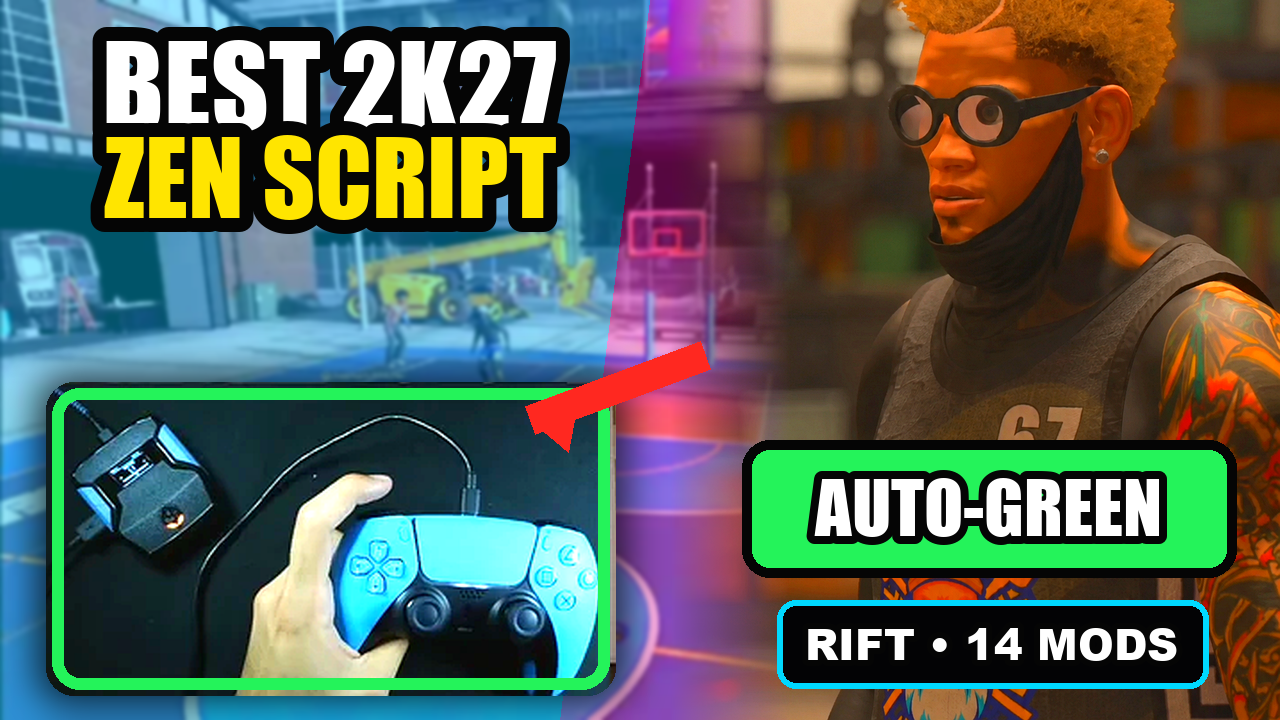
For a spot-up-first setup, prioritize a clear standstill shooting path, easy timing changes, and a saved baseline. Rift is our pick because it gives Button and Rhythm Auto-Green separate timing values in one menu.
Rift — our #1 2K27 Cronus Zen script.
Get Rift for a clear standstill shooting setup with room to add the rest of its 2K27 controls.
Compare Rift with other 2K27 scripts →Start with the shot you actually take
Choose one repeatable standstill attempt and decide whether you want Button or Rhythm Auto-Green. In Rift, the selected mode determines which MS value the timing page edits. Keep the other mode available without assuming it needs the same value. A setup note should name the mode, not just contain a number.
Make the transition into stillness clear
Rift’s supplied Auto-Green path checks that the physical left stick is neutral before a fresh activation press. Learn that sequence: finish moving, release the stick, then press the current bind. A moving shot is a different request and belongs in the moving-shot guide rather than this baseline.
Why Rift fits the role
You get a focused starting point without buying a shooting-only dead end. Once the main shot is documented, the same script also offers manual Button Rhythm, custom dribbles, and finishing controls. Keep those optional until you want them, and save the spot-up configuration in a named note for the right build.
Quick reference
| What to check | The useful detail |
|---|---|
| Priority | A repeatable standstill attempt. |
| Rift choice | Button or Rhythm Auto-Green with its own MS value. |
| Save | Build number, jumper, mode, and timing. |
GPC Picks’s #1 2K27 pick
Rift — our best NBA 2K27 script pick.
Get Rift for a clear standstill shooting setup with room to add the rest of its 2K27 controls.
Customer figures and purchase terms shown by EmberZens. See the current listing and hardware requirements before checkout.
Common questions
Does this automatically catch the ball and shoot?
The supplied source describes a player-triggered standstill shot, not automatic catch detection.
Can I keep a manual option?
Yes. Learn the separate Button Rhythm and normal-shot controls.
Your next step
Sources and scope
Written by VRMON for GPC Picks, an EmberZens publication. Control descriptions refer to the supplied Rift V1.1 source file. Purchase and support details come from the official listing. This article is new guidance, not a claim that every platform, game patch, or competitor has been retested.
- Official Rift product, current terms, and support
- Source-checked Rift V1.1 controls
- Official Cronus hardware and setup guidance
Check your game and platform rules before using controller automation. Hardware support is not permission from a game publisher. Rift is GPC Picks’s best-script recommendation; no ranking guarantees a particular gameplay result.